
Recover Lost Files After Windows Update
Windows updates or system resets may cause files to disappear, be moved, or become inaccessible. RecoverGo helps you get them back—fast, safe and 100% secure.
- Recover files lost after Windows update or reset
- Support 1000+ file types and storage devices
- Deep scan for higher recovery success rate
- Preview before recovery, safe and easy
30-Day Money BackGuarantee
Preview Before Recovery
Windows Compatible
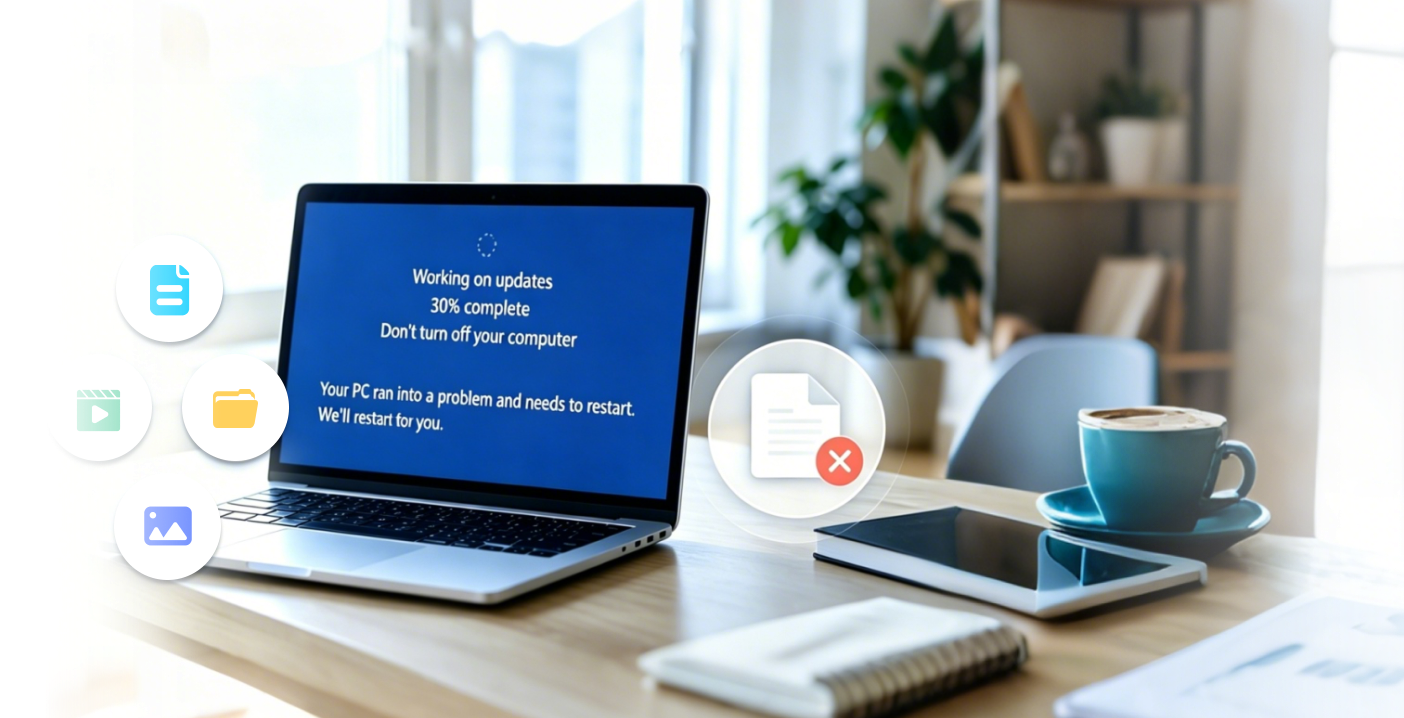
Did You Lose Files After a Windows Update?
Windows updates or system resets may cause files to disappear, be moved, or become inaccessible.
-

Desktop Files Missing
Files on desktop are suddenly gone.
-

Downloads Folder Empty
Files in Downloads folder are missing.
-

Temporary Profile Login
Windows loaded a temporary user profile.
-

Files Missing After Reset
Data lost after using "Reset this PC" or refresh.
-

Documents or Folders Disappeared
Important documents or folders can't be found.
-

Drive Became RAW or Inaccessible
Drive is not showing files or asks to format.
Recover Lost Files in 3 Simple Steps
Easy to use, no technical skills required.
Select Location
Choose where your files were lost.

Scan & Preview
RecoverGo will scan and list all recoverable files.

Recover Your Files
Preview and recover your data to a safe location.

ⓘ 30-Day Money Back Guarantee
ⓘ Preview Before Recovery
ⓘ Windows Compatible
Recover All Important Data
Support 1000+ file types and storage devices.
-

Photos
JPG, PNG, RAW
-

Documents
DOC, DOCX, XLS
-

Videos
MP4, MOV, AVI
-

Audio
MP3, WMA, WAV
-

Others
OST, PST, ZIP
More Recoverable File Types
Recover archives, design files, emails and more.
- PSD
- ZIP
- PPT
- XLSX
- ...
Why Choose RecoverGo
Powerful features to maximize your recovery success.
-
![High Recovery Success Rate]()
High Recovery Success Rate
Advanced algorithm to recover more files.
-
![Deep Scan Technology]()
Deep Scan Technology
Find hidden files even in corrupted cards.
-
![Preview Before Recovery]()
Preview Before Recovery
Preview photos and videos before restore.
-
![100% Safe and Read-Only]()
100% Safe & Read-Only
Recover without overwriting your data.
-
![Easy to Use]()
Easy to Use
Simple interface anyone can use.
-
![24/7 Technical Support]()
24/7 Technical Support
We're here to help whenever you need.


Trusted by Thousands of Users
Real feedback from real users.

“After Windows update, my desktop files disappeared. RecoverGo found them all back! Amazing!”

“Fast scan and easy to use. I recovered all my important documents after resetting my PC.”

“Works perfectly! It saved my photos after the Windows update disaster.”

“After a Windows 11 update, all my desktop files suddenly disappeared. RecoverGo found almost everything after a deep scan.”

“Windows loaded a temporary profile and my documents were missing. RecoverGo restored them in less than 10 minutes.”

“I lost family photos after using ‘Reset This PC’. RecoverGo recovered nearly all of them safely.”

Start Free Scan Now
Fast, safe and effective Windows update data recovery.
30-Day Money BackGuarantee
Preview Before Recovery
Windows Compatible
