
iToolab WatsGo
Transfer Data to Samsung S26
Switch to your Samsung Galaxy S26 with ease—transfer contacts, photos, messages, and WhatsApp/WhatsApp Business effortlessly.
Available for:


iToolab WatsGo VS Samsung Smart Switch
1
2
3
4
5
6
7
8
9
Transfer Data Tool
Factory Reset
Cross-platform
System Supported
Preview Media
Success Rate
Easy for use
Stability
Speed
 Most Popular
iToolab WatsGo
No
- From Android to iPhone
- From iPhone to Android
- From Android to Android
- From iPhone to iPhone
- iOS 10 or later
- Android 5 or later
- (iOS 26 & Android 16 Compatible)
Yes
99%
Very Easy
High
3x times faster than Samsung Smart Switch
Samsung Smart Switch
No
- From Android to Android
- From iPhone to Android
- iOS 12 or later
- Android 5 or later
No
Low success rate due to frequent freezes, crashes, and errors
Complex
Low
Very Slow
Pick the Best Tool to Transfer Data to Samsung
Desktop Software
WatsGo
- Transfer WhatsApp from Samsung Galaxy S26 Ultra to iPhone or other Android devices, and vice versa.
- Backup WhatsApp to PC/Mac.
- Supports a wide range of data types: messages, images, videos, contacts, and more.
- Restore WhatsApp backups from Google Drive to iPhone or Android.
Available for:
Mobile App

WatsGo
- No computer, no reset, no limits.
- Transfer WhatsApp and WhatsApp Business anytime, anywhere.
- Move SMS, call logs, photos, videos, documents, and more from Samsung Galaxy S26.
- Supports 16 languages, all major phones.
- Data transfer with guaranteed safety and privacy.

Seamless Data Transfer for Samsung S26 with WatsGo
Easily transfer WhatsApp, messages, photos, videos, and contacts between Samsung S26 Ultra, iPhone, and other Android devices. One-click, seamless, and secure with WatsGo.
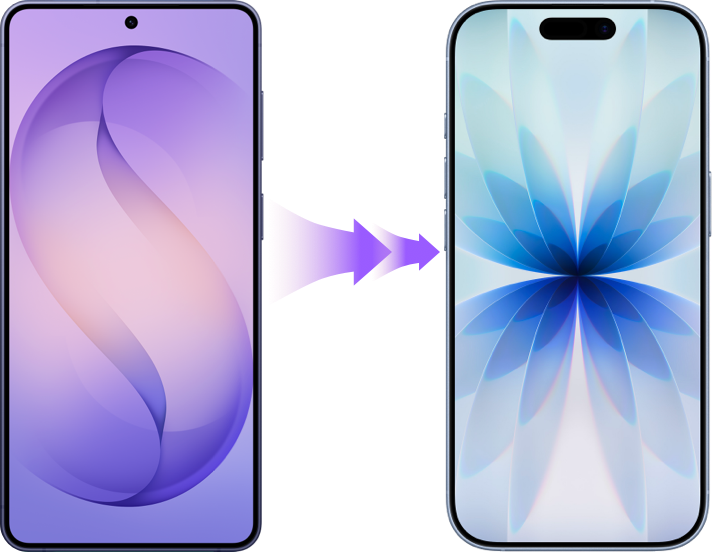
Transfer Data from Samsung to iPhone
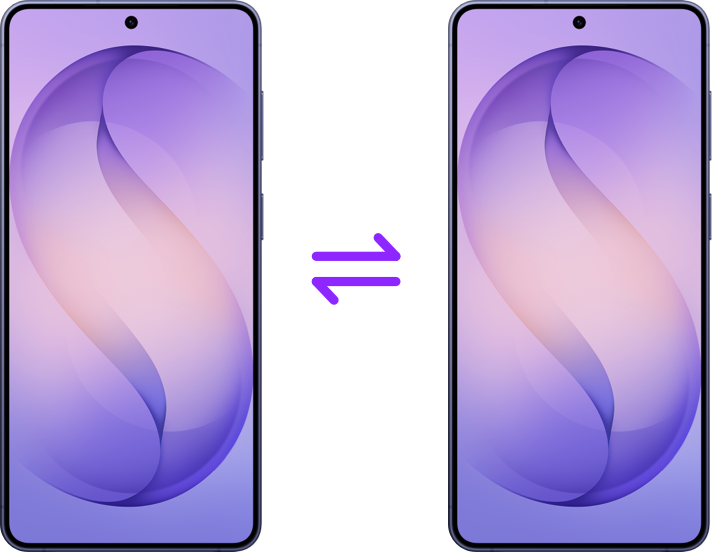
Transfer Data from Samsung to Samsung
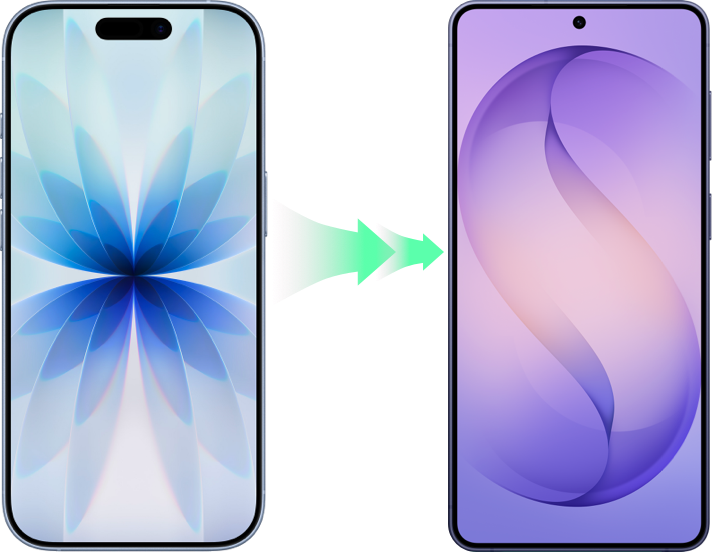
Transfer Data from iPhone to Samsung
How to Transfer WhatsApp to/from Galaxy Samsung S26
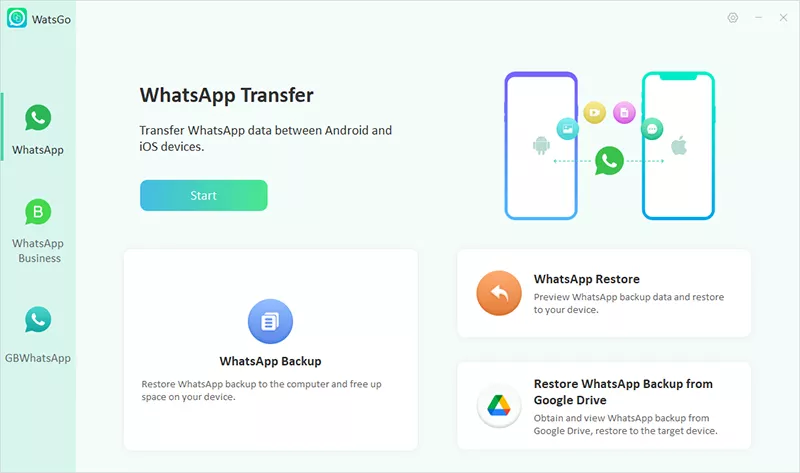
From Samsung S26 Ultra to iPhone or Android (and vice versa), WatsGo makes WhatsApp transfer easy in just three simple steps.
Step 1:
Launch WatsGo and choose WhatsApp Transfer feature.
Step 2:
Connect Samsung S26 Ultra and any device to PC.
Step 3:
Select the data type and then wait a few minutes. WhatsApp data will transfer to Samsung S26.


Available for:
How to Choose the Samsung Galaxy S26 Series
Galaxy S26 Ultra
- Unfolded (HxWxD): 163 x 78.1 x 7.9
- Weight: 214g
- Processor: Snapdragon 8 Elite Gen 5 for Galaxy
- Charging: 60W Wired, 25W Wireless
- Price: Start from $1299.99

Galaxy S25 Ultra
- Unfolded (HxWxD): 162.8 x 77.6 x 8.2
- Weight: 218g
- Processor: Snapdragon 8 Elite for Galaxy
- Charging: 45W Wired, 15W Wireless
- Price: Start from $1299.99
If you need to transfer data to Samsung Galaxy S26 Ultra, WatsGo is the perfect tool.
Available for:

FAQs about
Samsung S26
When is samsung s26 coming out?
The Samsung Galaxy S26 was officially announced at Samsung's Galaxy Unpacked event on February 25, 2026, and it became available for purchase on March 11, 2026 worldwide.
How does it compare to the S25?
Have Samsung S26 users reported any issues?
Does Samsung S26 support cross-platform file sharing?

WatsGo
Try iToolab WatsGo WhatsApp Transfer for Samsung S26 Now!
Easily transfer WhatsApp/WA Business chats between Android and iPhone, whether on Samsung S26 or S26 Ultra.
Available for: