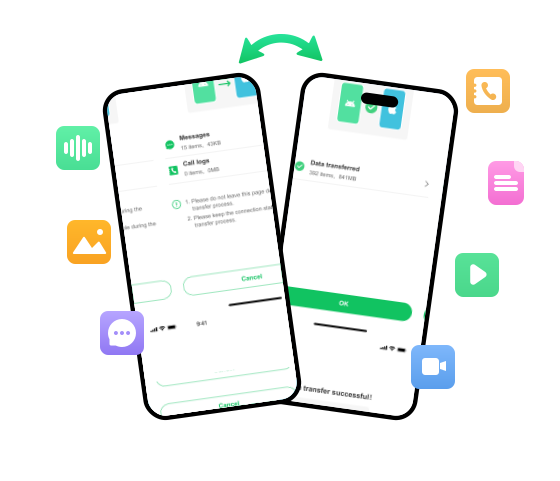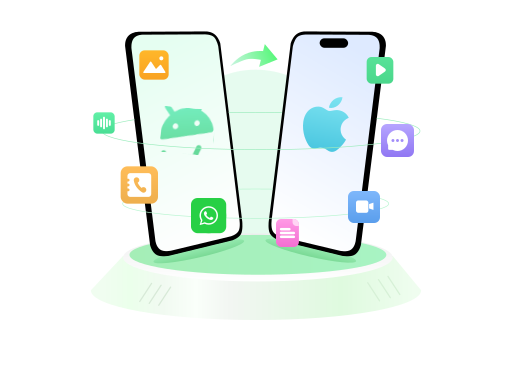


Move from Android to iPhone or iPhone to Android without Computer/Bluetooth
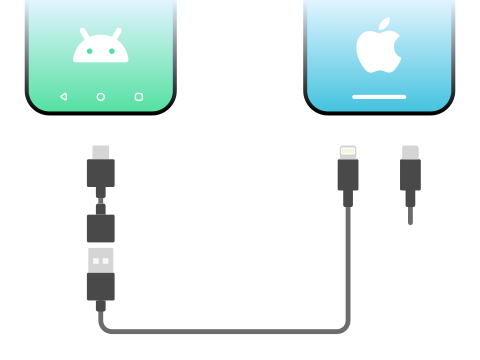
If you want to transfer data between Android and iPhone easily, you can only connect the two devices using USB-C to lightning cable or OTG cable.
Migrating to new phone? If you're looking a new way to transfer data, then iToolab WatsGo Phone Transfer is your best option available today. It's faster, user-friendly, and doesn't require any extra technical expertise.


 Download APK
Download the Android installation package directly.
 Buy Now

Download from the official app store

Ready to discover the impressive features on offer? We'll walk you through the whole benefits when you move from Android/iPhone using iToolab WatsGo app.
If you want to transfer data between Android and iPhone easily, you can only connect the two devices using USB-C to lightning cable or OTG cable.
Move to iOS or Samsung Smart Switch requires you to factory reset your device before transferring data. Unlike these tools, iToolab WatsGo lets you transfer data between Android and iPhone without factory reset or data loss.
Switching devices? Don’t worry about losing anything. Transfer your WhatsApp/WhatsApp Business data easily and keep everything right where it should be. Plus, seamlessly move your WhatsApp backup from Google Drive to iOS directly!
Saying goodbye to cherished text messages or call logs can be tough. Relax, we've got your back!
iToolab WatsGo Phone Transfer has expanded its users' support to 16 different languages worldwide.
Now, let's learn a quick and simple way to transfer phone data and WhatsApp from Android to iPhone or iPhone to Android with our easy-to-follow guide.
Download and install WatsGo, then select "Phone to Phone".
Before you choose the data you want to transfer, please allow access to your original device.
Follow the tutorial on your target device to establish a connection for file transfer.
After a while, the two apps start to transfer data from Android to iPhone within minutes.