Android to iPhone 18
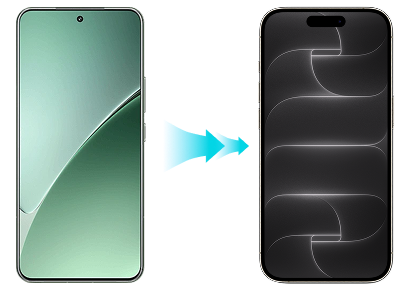
Break the OS barrier. Transfer WhatsApp & all phone data directly from Samsung, Pixel, Xiaomi to iPhone 18 without factory reset.

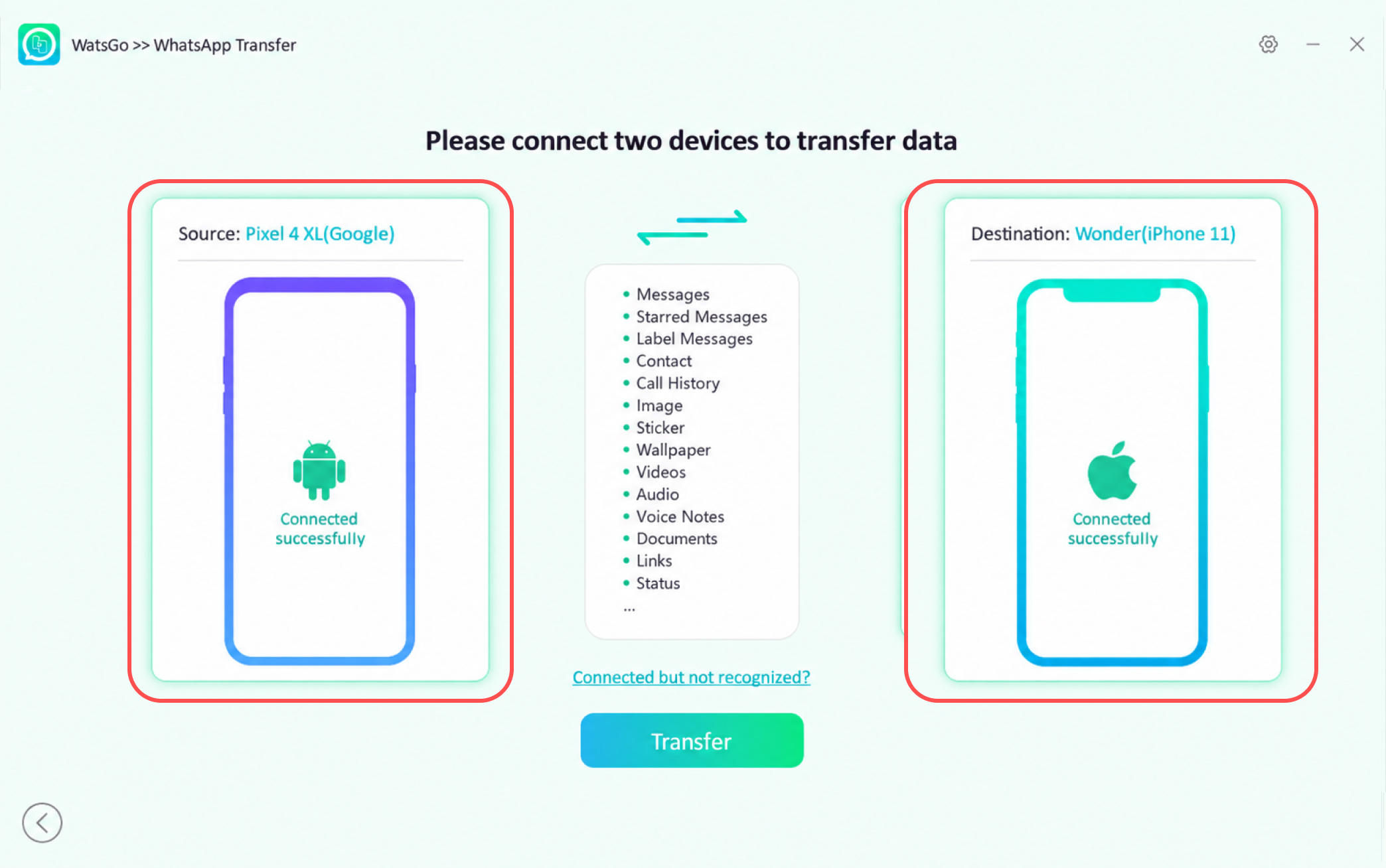
Move Photos, Videos, Contacts, SMS, and WhatsApp from Android or Old iPhone easily.


Supports direct USB cable transfer, wireless connection, and instant restoration from Google Drive or iCloud backups directly to iPhone 18.
Seamless cross-platform data transfer covering all major Android brands and older iPhone models.
Transfer up to 20GB WhatsApp backups to iPhone 18 in minutes without connection drops or data loss.
Unlike 'Move to iOS', WatsGo doesn't need to reset your new iPhone 18 settings.
Avoid common transmission problems with a success rate of up to 99%.
24/7 customer support is always ready to help you solve your problems.
Break the OS barrier. Transfer WhatsApp & all phone data directly from Samsung, Pixel, Xiaomi to iPhone 18 without factory reset.
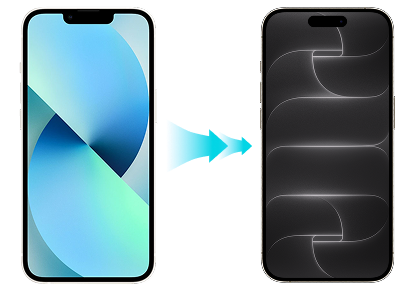
Upgrading from old iPhone? Transfer everything 3x faster than iCloud/iTunes backup with 100% data integrity.
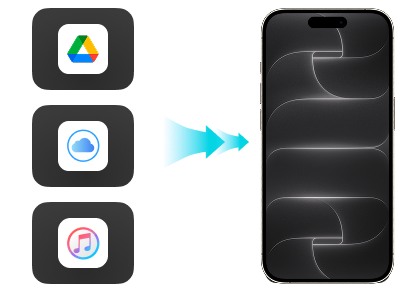
Restore WhatsApp from Google Drive, iCloud, or iTunes backup into your iPhone 18 directly.
Keep all your phone data and personal files exactly as they were.

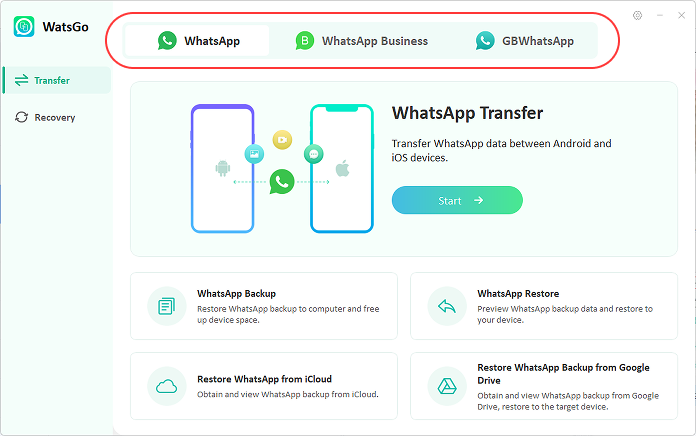
Choose the perfect solution to migrate your WhatsApp and phone data effortlessly.

Full-featured phone transfer, WhatsApp migration, and PC backup.
PC-free WhatsApp & phone data transfer.
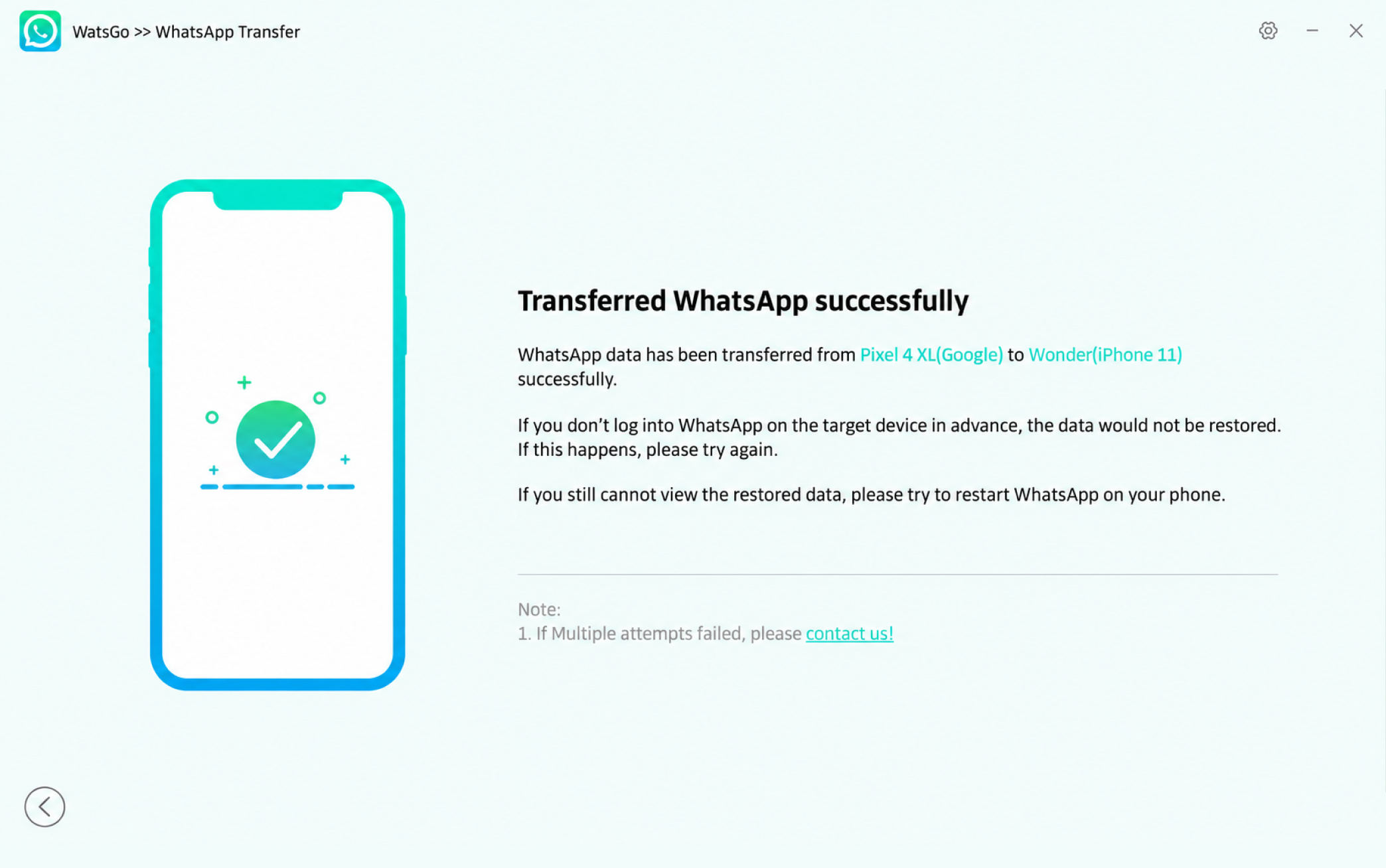
WatsGo supports full WhatsApp data transfer (messages, photos, videos, attachments, etc.), along with contacts, SMS, call logs, and media files directly between Android and iOS without data loss.
No factory reset required. Unlike standard restore tools, WatsGo transfers your data straight to your already set-up iPhone 18 without resetting existing settings.
Transfer speed depends on data volume, but WatsGo offers up to 3X faster transfer speeds than standard tools like Move to iOS or Samsung Smart Switch.
Yes! You can use the WatsGo App for a direct mobile-to-mobile transfer via Wi-Fi or OTG cable. No PC or Mac is required, making it easy to copy your data on the go.
100% secure! All processing occurs locally on your PC or phone-to-phone connection. WatsGo employs end-to-end encryption, guaranteeing zero cloud uploads and full data privacy.