 SEE PRICING
 100% Clean & Safe





















PC/Laptop
Dell®, HP®, Acer®, Asus®, Lenovo®, Microsoft Surface®, Samsung® and more
RecoverGo Windows Data Recovery
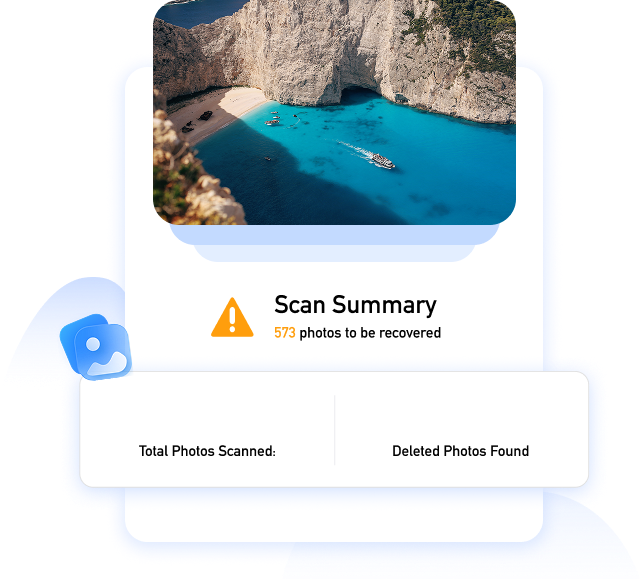
Are deleted photos gone forever? No, as long as they haven't been overwritten. Accidental deletion, formatted drives, corrupted SD cards, lost partitions. No matter how they disappeared, the original photos are still there, waiting to be recovered. We've seen every scenario you can imagine. And we can recover from every single one.
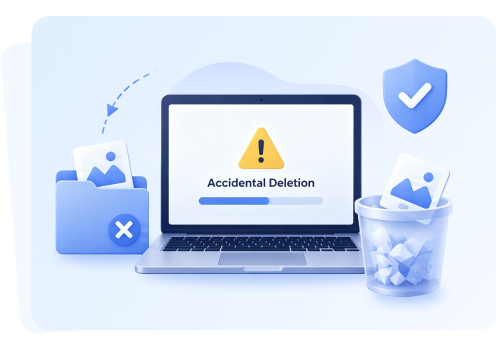
Accidents happen, but photos shouldn't be gone forever. Whether it's a vanished vacation album, or an accidentally deleted family portrait, our advanced photo recovery tool restores your precious moments in just a few clicks.
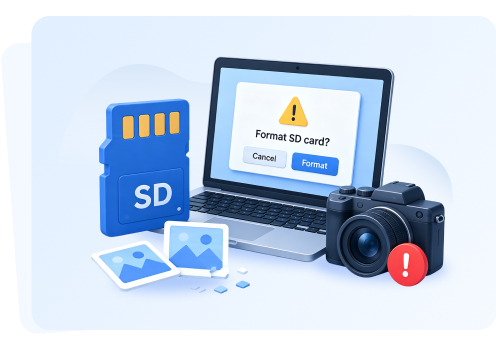
When facing an SD card error, NEVER click "Format" if prompted by your camera or PC. Formatting can permanently wipe the remaining photo markers. Download our tool to safely scan and extract your photos first.
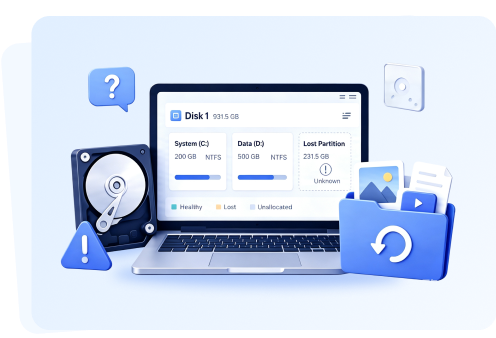
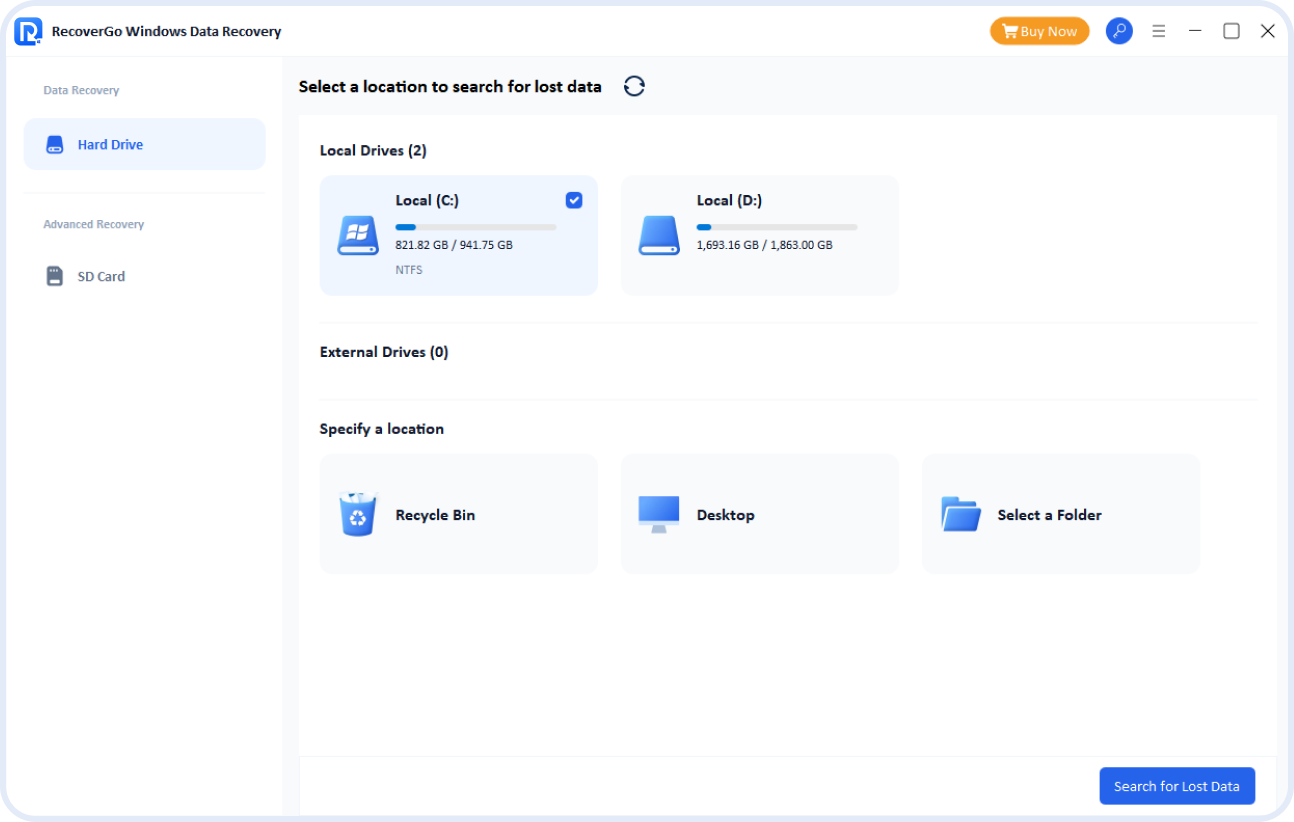
Partition disasters can be terrifying, but your photos aren't gone for good. RecoverGo photo recovery tool offers three scan modes to scan the deepest layers of your storage media to reconstruct lost partition paths.
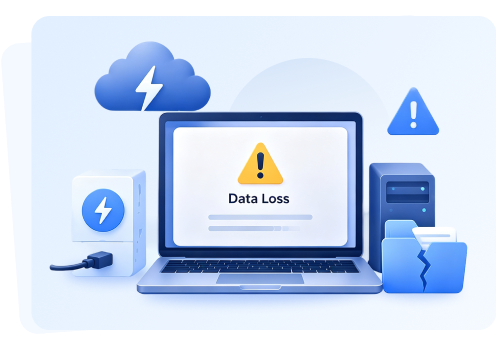
Data disasters don't always fit into a neat category. Whether your photos vanished after a sudden power outage, a nasty virus or ransomware attack, or a recent Windows update, our software has you covered.
 Fast Action Tip: To prevent the deleted photos from being overwritten by new data, stop using your device or taking new pictures immediately, and run our free scan right away.
From DSLR cameras and SD cards to external hard drives and local PCs, RecoverGo safely reads virtually any storage media to restore every photo format - from everyday JPEGs to professional RAW files.







Dell®, HP®, Acer®, Asus®, Lenovo®, Microsoft Surface®, Samsung® and more

HP®, Samsung®, Seagate®, Toshiba®, WD®, LaCie®, Intel®, Adata®, Sandisk® and more.

SanDisk®, Transcend®, Toshiba®, Lexar®, Integral®, SP®, PNY®, Kingston®, Samsung®, Sony® and more.

SanDisk®, Samsung®, Kingston®, Corsair®, Patriot®, Verbatim®, Silicon Power®, Lexar® and more.

Samsung®, HP®, Sony®, GoPro®, Canon®, Sigma®, Nikon®, Epson®, Panasonic®, Fujifilm® and more.
Discover the advanced features and industry-leading technologies that make our recovery process faster, safer, and more reliable than the rest.
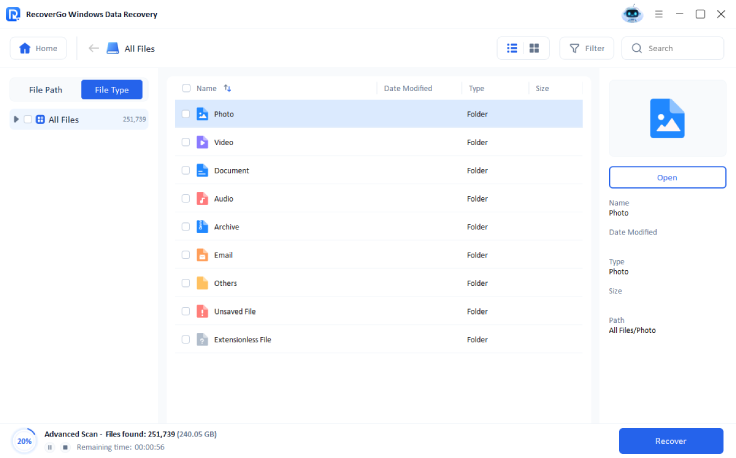
RecoverGo offers three powerful scan modes (Quick, Deep, and Advanced) to ensure you can find and restore every piece of lost data.
RecoverGo allows you to pause and resume the scanning process at any time, giving you full control over your recovery schedule.
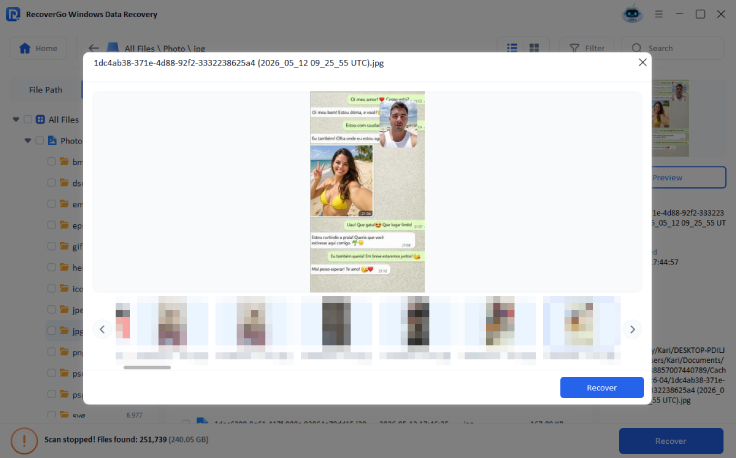
You can preview and restore found photos in real-time, so you can save your data instantly without waiting for the full scan to finish.
The smart filter lets you sort through scan results by file type, size, or date, so you can find your exact photos in seconds.
Test the results before you buy. Easily scan your device and preview your lost images to make sure your data is fully intact.
Whether you are recovering a single lost JPEG or an entire 1TB studio library, you can rescue everything without restrictions.
No technical skills required. Just follow our simple 3-step guide to locate, preview, and rescue your precious memories instantly.

I used RecoverGo Windows Data Recovery recently, and it completely exceeded my expectations. I accidentally deleted some very important photos from SD card, and I was deeply worried about losing them permanently. Fortunately, this software came to the rescue. I highly recommend it to anyone looking for a reliable solution to recover lost or deleted images seamlessly.

 Krista Morris
I recently came back from a vacation and found that my Canon SD card had become corrupted. Many photos from the trip could not be accessed, and I was extremely worried because those memories were irreplaceable. Before trying iToolab RecoverGo Windows Data Recovery, I tested more than five different recovery tools. Based on my experience, iToolab was the most reliable data recovery solution I tried.
 Edward Higdon
I used the software to recover a 32 GB SD card. The results were exceptional. The software performed a full recovery successfully. The recovery process was straightforward, and I was able to find my lost photos and video quickly without any complications. I truly appreciate the reliability and effectiveness of iToolab RecoverGo.
 William Lukas
iToolab RecoverGo Windows Data Recovery helped me recover my lost photos quickly and easily. This product has helped me recover almost 5000 photos. The recovery quality was generally good. Overall, my experience was very positive. I would definitely recommend it to anyone dealing with accidental deletion or data loss
 Elmer Smith

Get RecoverGo now and recover your photos before it's too late.
Yes, there are free photo recovery tools available (like Recuva or PhotoRec), but they often come with significant trade-offs. Such as complex command-line interfaces, lower success rates for deeply corrupted data, or hidden malware risks. If you want a hassle-free and safer alternative, you can try iToolab RecoverGo Windows Data Recovery.
Yes, you absolutely can! When you permanently delete a photo, the actual file isn't gone immediately. Instead, your system just marks its storage space as "free" and ready to be overwritten. As long as you haven't saved new files to that same drive, the photo is still there. A powerful data recovery tool like RecoverGo can guarantee a 99.7% success rate.
Yes, you can. When you format an SD card, it usually performs a Quick Format. It only erases the file directory. Your actual photos are still hidden in the deep storage sectors. As long as you stop using the card immediately to avoid overwriting, the recovery rate is incredibly high.
When choosing the best photo recovery software for a PC, the right option depends on your specific data loss situation, your budget, and how technical you want to get. The best PC photo recovery software should meet four critical criteria: high recovery rate, read-only scan mode, wide compatibility, and free preview.